Get paid in USDT in New Zealand, spend in dollars, no banks
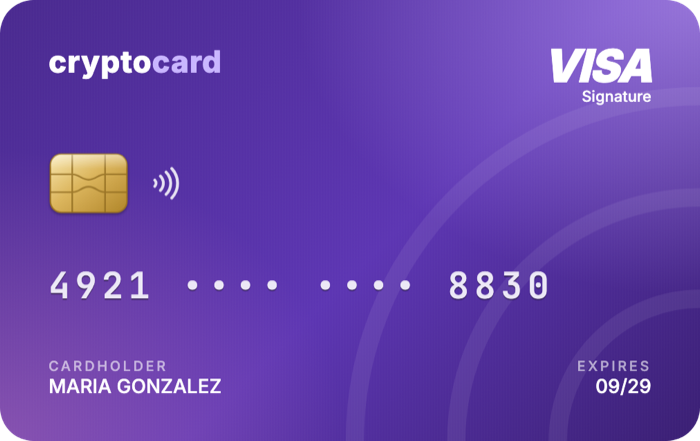
Your overseas clients pay you in USDT or USDC and you spend it with a Visa in US dollars: tools, subscriptions, flights and shopping, with no international transfers and no bank hassle. Verify with your ID and a selfie, and you have your card in about 5 minutes.
Get my card →Reviewed on October 29, 2026
What freelancers pay for with the card
Why freelancers in New Zealand use it
Many New Zealand freelancers work for clients in Australia, the US and Europe, and almost every work tool bills in US dollars. If you get paid in USDT or USDC, the card lets you pay for those tools with no conversion and no waiting for an international transfer.
Get paid in USDT, spend in dollars
- Your card has its own top-up address. Give it to your client and they pay you in USDT or USDC straight to the card.
- If a platform pays you in another currency, buy USDT on an exchange and send it to your card.
- No banks in the middle: no international transfers that take days and no questions about payments from abroad.
At supermarkets and stores in New Zealand
It is a virtual card: to pay in a physical store, add it to Apple Pay on your iPhone (Apple Pay works in New Zealand) and tap your phone on the terminal. It works at supermarkets like Woolworths, New World, Pak'nSave or Four Square and any store that accepts contactless Visa. On Android, if Google Wallet is available on your phone, add it to Google Pay.
Where to get USDT in New Zealand
In New Zealand you can buy USDT with NZ dollars on local or international exchanges.
If you already hold USDT on an exchange or in your wallet, just send it over a supported network: Polygon, BNB Chain, Base, Solana or Tron. The balance is held in US dollars.
Your card in about 5 minutes
- Create your account at app.cryptocard.la.
- Verify your identity with your driver licence or passport plus a selfie.
- Enter your address in New Zealand as it appears on your documents.
- In about 5 minutes you have your card: top up with USDT or USDC and use it online or with your phone.
Card fees
| Issuance and maintenance | Free |
| US dollar purchases | 0% |
| Cashback on digital subscriptions | 10% |
| USDT / USDC to US dollar conversion on top-up | 1.5% |
| Purchases in other currencies | Visa exchange rate |
| Minimum top-up | USD 10 |
| Top-up networks | Polygon · BNB Chain · Base · Solana · Tron (USDT) |
In physical stores too, with your phone
Add the card to Apple Pay on your iPhone or Google Pay on your Android and tap to pay at any store worldwide that accepts contactless Visa: supermarkets, restaurants, transport, travel.
Frequently asked questions
Can my client pay me straight to the card?
Yes. Your card has its own top-up address: your client sends USDT or USDC to it over a supported network and the balance is ready to spend in US dollars.
I work remotely for overseas clients. Is it for me?
Yes. They pay you in USDT or USDC to your card's address and you spend in US dollars wherever Visa is accepted.
Do I need a bank account in New Zealand?
No. The card is topped up with USDT or USDC from any wallet or exchange; you don't need a bank account in New Zealand or anywhere else. There is no issuance fee and no monthly fee.